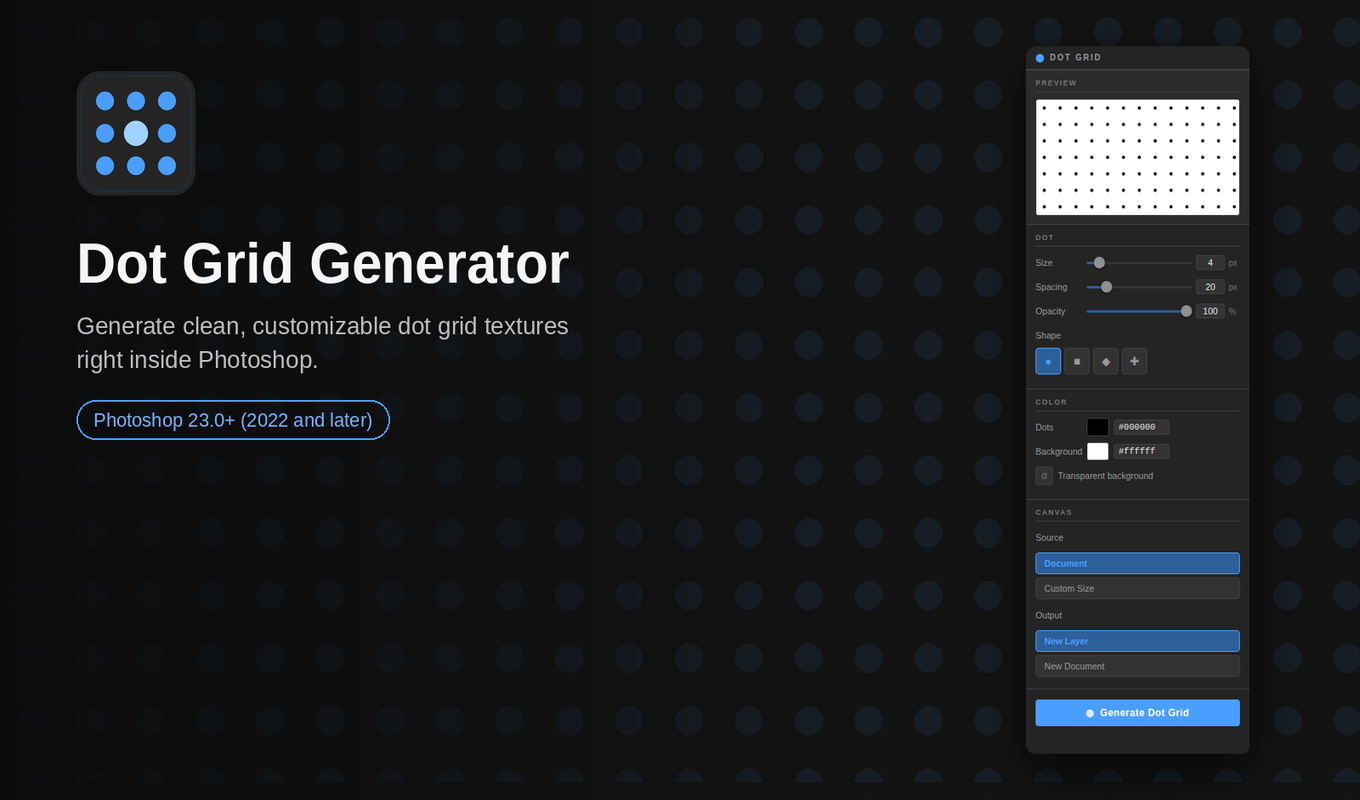
Dot Grid Generator is a $3 Photoshop plugin for UI artists and designers. Generate customizable dot grid patterns instantly — no guides, no manual setup.
I kept rebuilding the same dot grid every time I started a new project.
Set up guides. Place a circle. Duplicate it across the canvas. Realize the spacing is off. Start over. It’s one of those small tedious tasks that doesn’t take that long on its own — but adds up fast when you’re doing it constantly across UI work and concept layouts.
So I built a plugin to handle it.
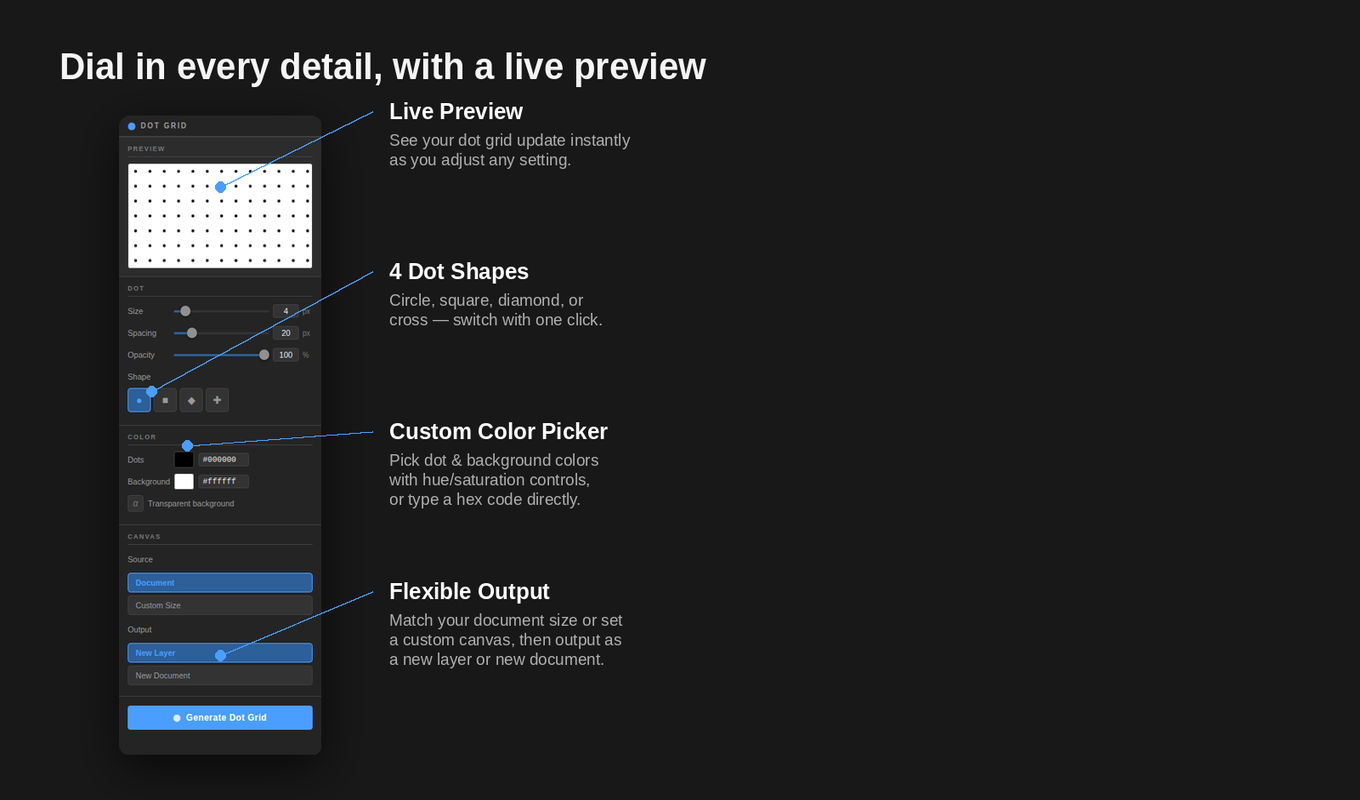
Dot Grid Generator lives right inside Photoshop as a panel. Open it, adjust a few sliders, hit generate. That’s it. The grid lands as a new layer in your document in seconds, pixel-perfect, no fiddling required.
What you can control:
Dot size — from subtle pinpricks to big bold dots
Spacing — tight technical grids or loose airy layouts
Opacity — dial it back for background textures that don’t compete with your content
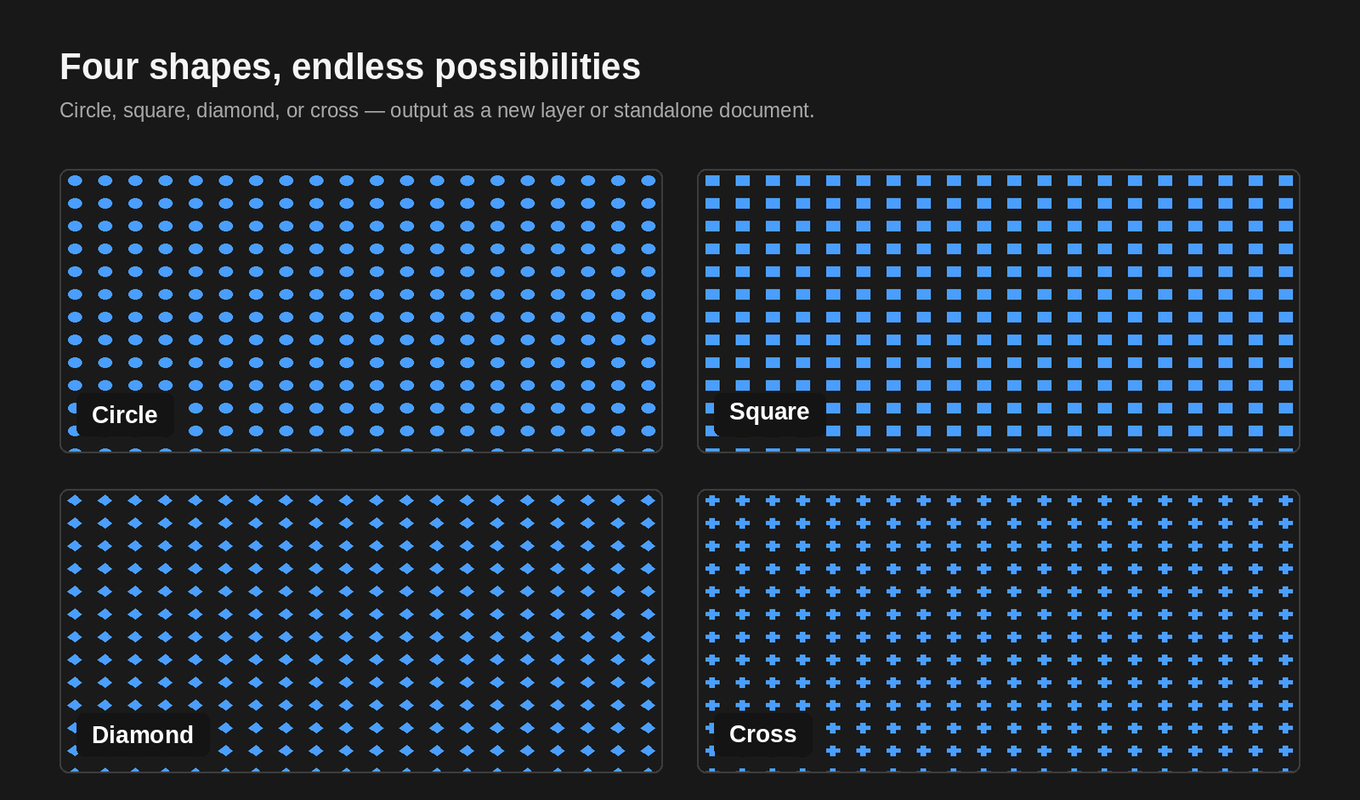
Shape — circle, square, diamond, or cross/plus
Color — dot color and background color independently, with a transparent background option
There’s a live preview in the panel, so you’re dialing in the look visually before you commit. No generate-undo-adjust loop.
Two output modes:
New Layer — drops the grid into your current document at document size. Good for overlays, spacing references, UI backgrounds.
New Document — generates a standalone file at a custom size. Good for texture assets you want to reuse across projects.
I use it for UI work primarily — spacing grids, background textures for HUD elements, that kind of thing — but it’s just as useful for concept work where you want a quick patterned background without breaking flow.
It runs entirely locally inside Photoshop. No account, no internet connection, no external dependencies. Just install and use.
Works with Photoshop 2023 (v24) and later.
It’s $3 on Adobe Exchange: Dot Grid Generator →